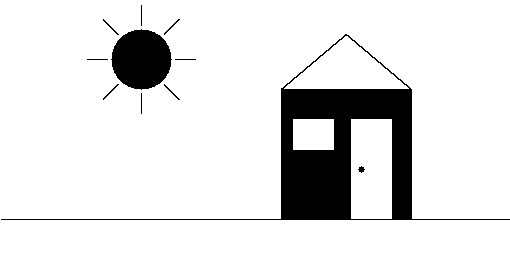
It's hard to tell because the process of capturing the screen and then rendering in it a browser introduces distortion. But my impression is that they aren't to jagged (which is the usual term that is used). Jaggies are an intrinsic part of rendering ideally smooth and continuous shapes on a raster canvas, especially on a two-color screen.
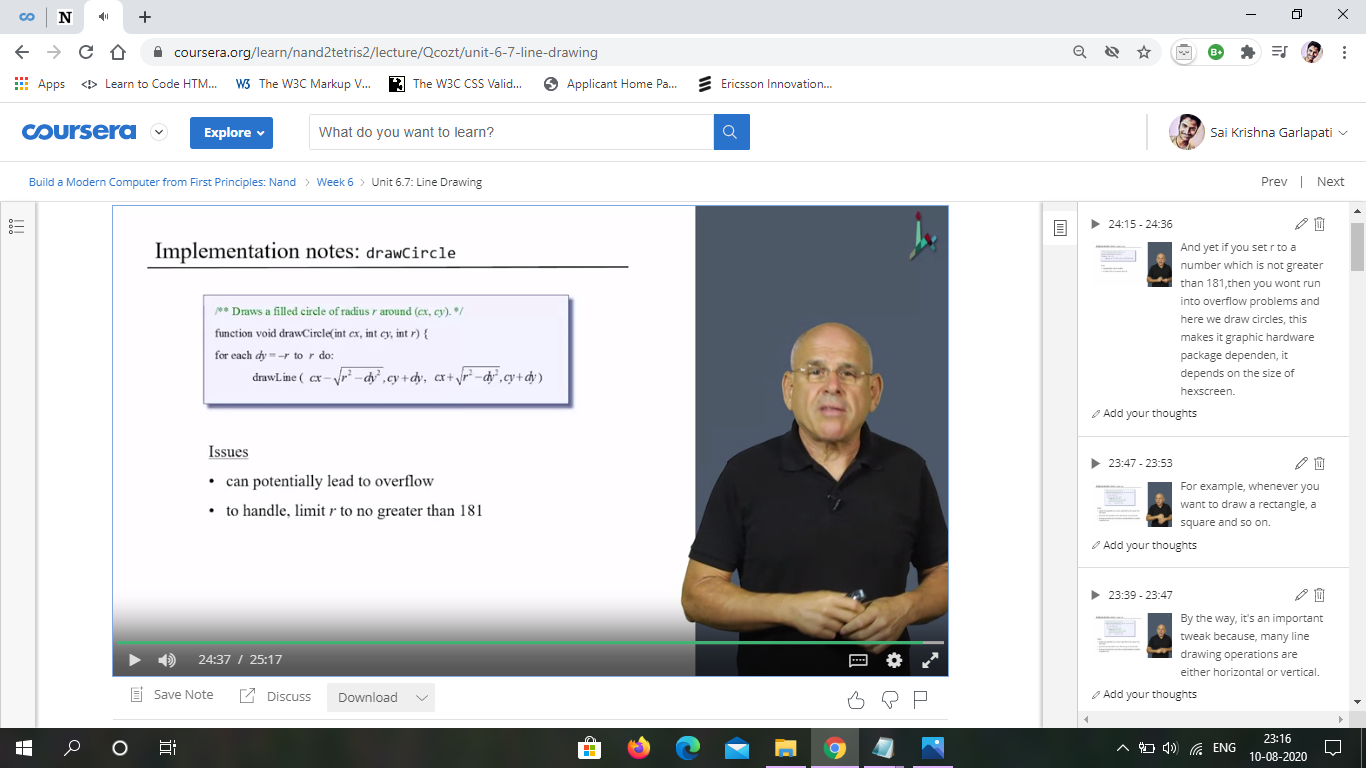
Why was the radius of the circle in Screen.drawCircle() told to be limited to no greater than 181? The vertical length of the screen is 256 pixels, then shouldn't it be 127 ?
Notice that the issue is specifically given as potentially leading to overflow. This has nothing to do with the screen size, but with the ability to do the math.
What is the largest value that r can be such that r^2 is representable as a 16-bit two's complement integer?
Resurrecting this thread because I have the same problem.
The issue is that the algorithm in the notes uses Math.sqrt(), which always rounds down, so if you're trying to draw a circle of radius r, the magnitude of x will only be r if the magnitude of y is 0, and vice versa. This results in the artifact shown in OP. If you look at the slides, this is clearly not the intended result. It shows the pixels being illuminated if the curve intersects any part of them, not just the center.
Two ways I can think of to solve this:
1. Use r + 1 instead of r as the radius, change the maximum to 180, and add special cases for dx = r and dx = 0.
2. Implement a square root function that rounds up instead of down